
Websites for schools worried about AI safety
A school website that shows your school, not your pupils' faces. New site, fresh image library and homepage film, plus a written plan you can show governors.
Not ready? Download the pupil image audit kit
Trusted by 40+ UK schools · Cyber Essentials Plus · All staff Enhanced DBS checked
Everything in one fixed price
Bought separately
- Bespoke school website (our average)
£3,500- AI-aware photography and homepage film
£1,750- Drone shot
£450- DfE and Ofsted website audit
£250- Staff training (one hour)
£70- Total
£6,020
Bundle price
£4,200 + VAT
Save £1,820
The image and content audit and copy deterrents are part of the bundle too, at no extra cost.
Item 1: Half-day AI-aware photography, a drone shot and a 30-second homepage film.
A new image library and hero film with no lone, face-on pupil shots.
Guidance: use imagery that is harder to misuse.
Item 2: Website design and build on SiteLive, our school CMS.
A new site that replaces the old one, which your team can update themselves.
Guidance: limit who can publish and what is public.
Item 3: A full image and content audit.
We review the photos, names and documents already online, including leavers and old newsletters, and give you a written report.
Guidance: carry out regular, documented audits.
Item 4: A DfE and Ofsted website audit.
Statutory content checked before launch, so a job you already owe is done.
Item 5: Download and right-click deterrents.
Barriers that make casual copying harder. They do not stop a screenshot, and we say so.
Item 6: One hour of in-person staff training.
Your team learns the seven photo rules, so the site stays in good shape after launch.
Guidance: embed image security in staff training.
Prices exclude VAT and travel. See the questions below.
A plan you can show to governors, parents and inspectors
When someone asks what your school has done about pupil images, you will have an answer on paper: what was checked, what was changed, who was trained, and when it is reviewed next.
- Written audit report
- Staff trained in person
- Review date set
Warm, real and still recognisably your school
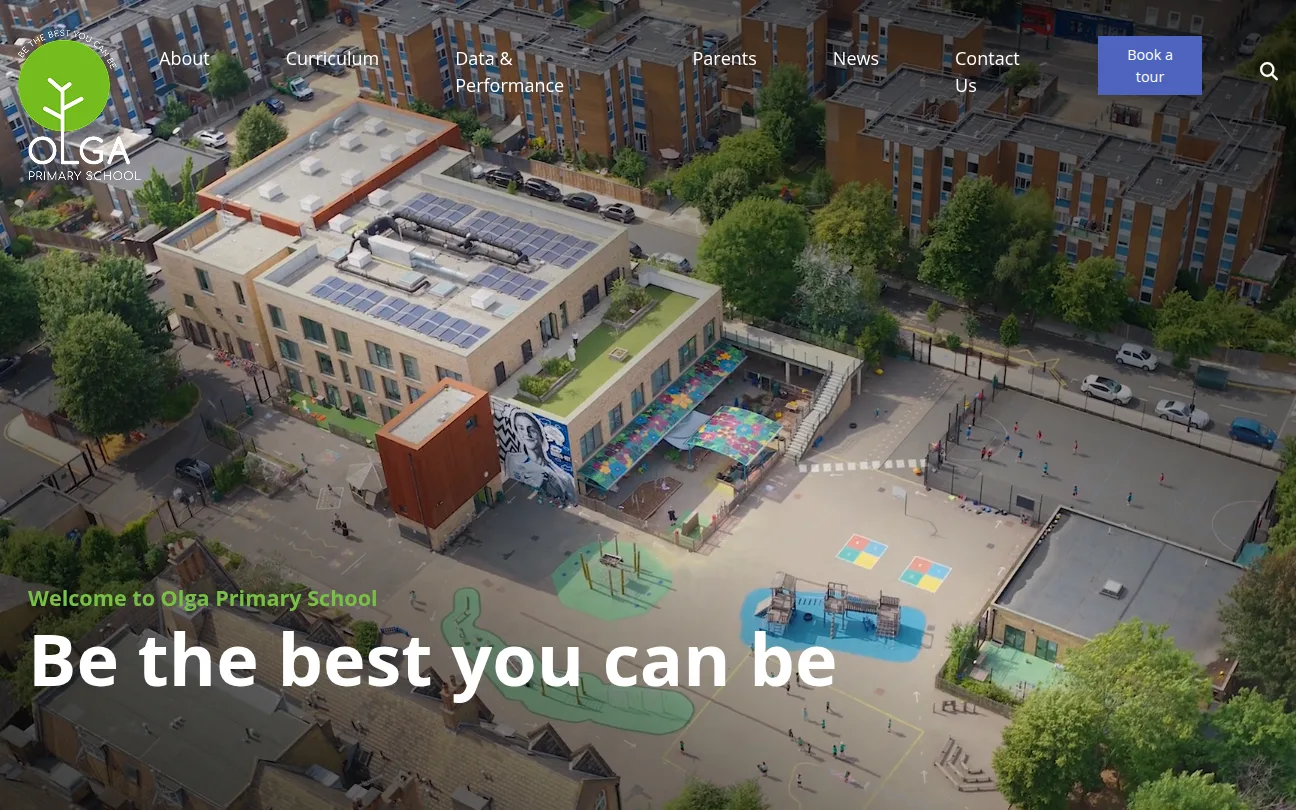
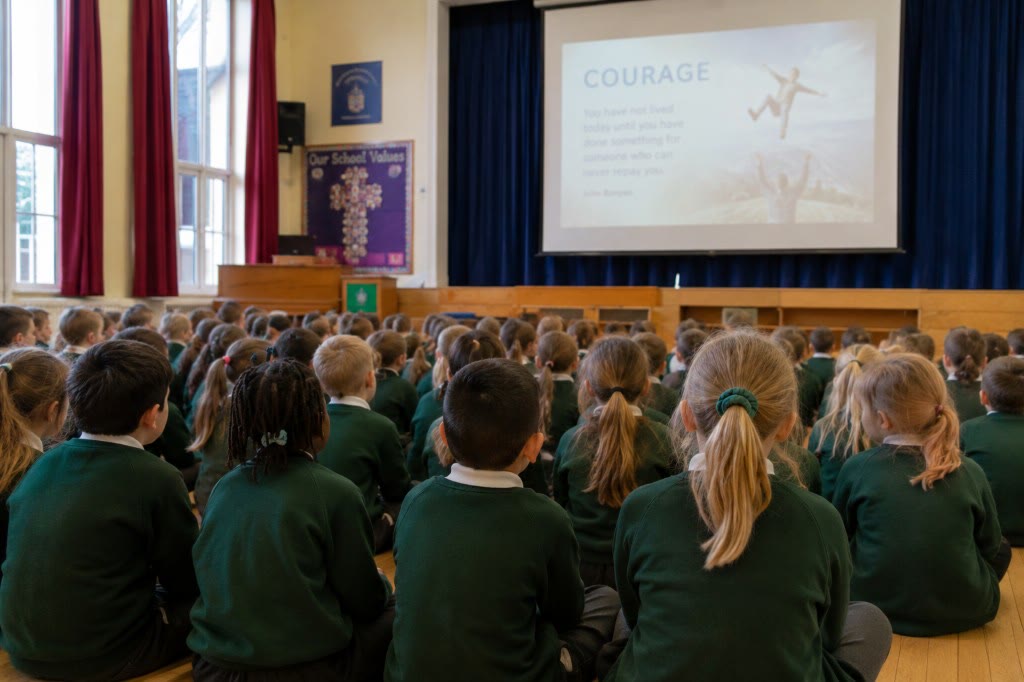
Take the faces out of a website and it can look empty. It does not have to. We photograph the work, the place and the moments: hands on an experiment, a class seen from behind, a stage lit from the side, your grounds from the air. These are your real pupils in your real school. You just cannot pick out who they are.
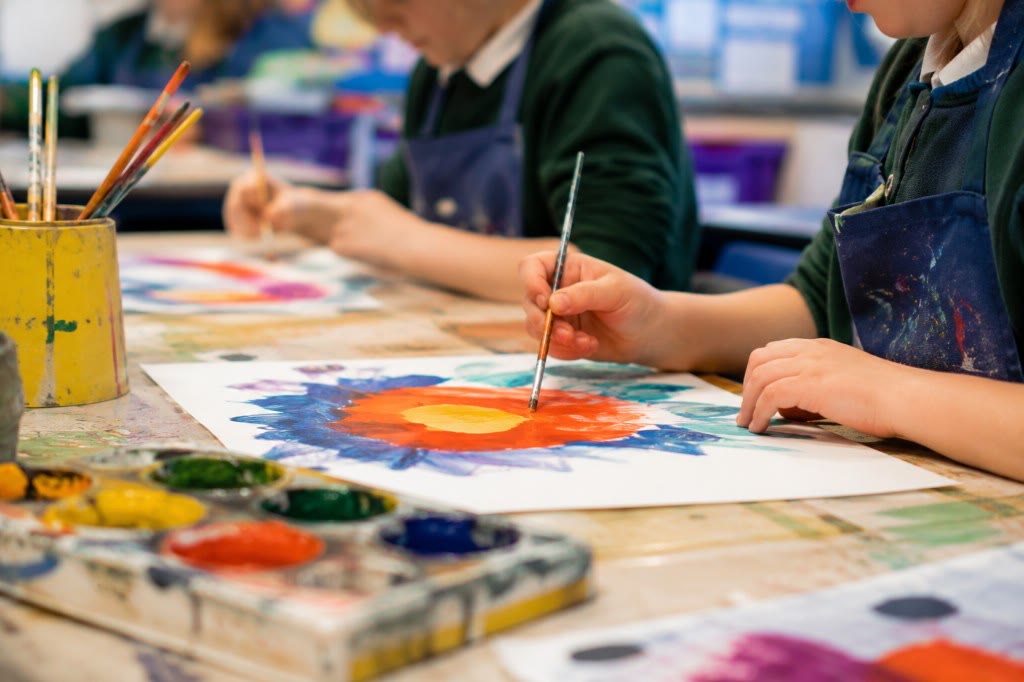
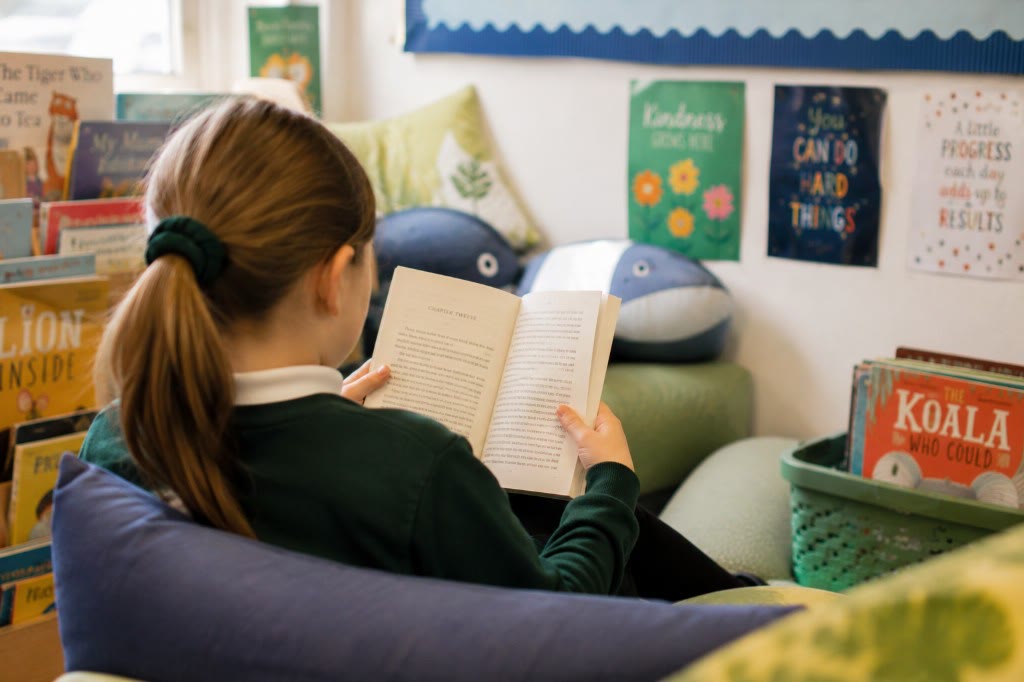
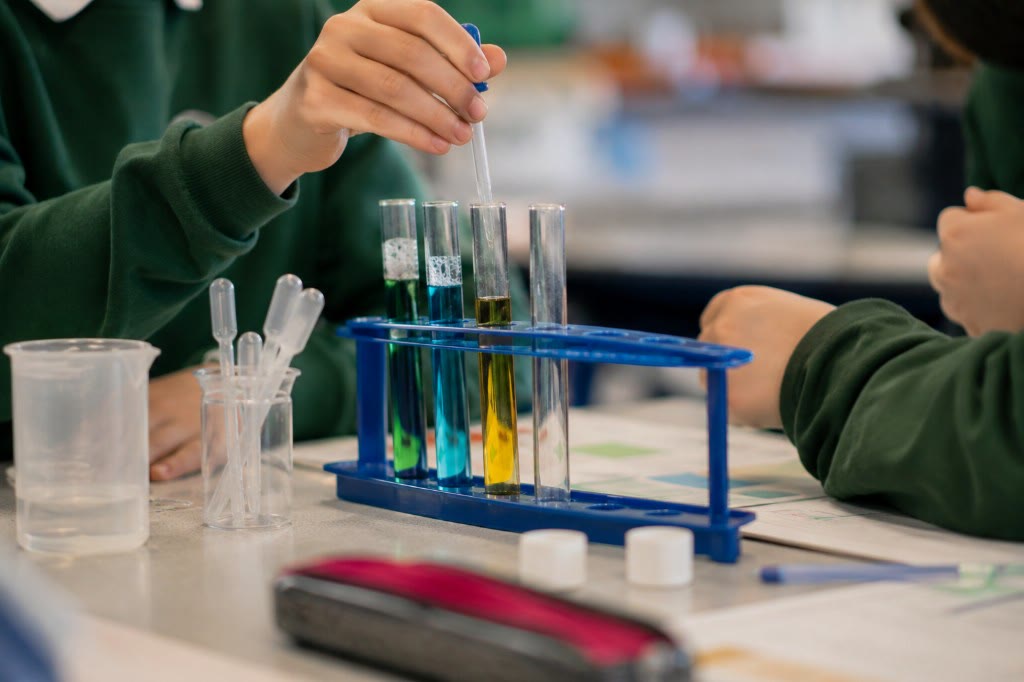
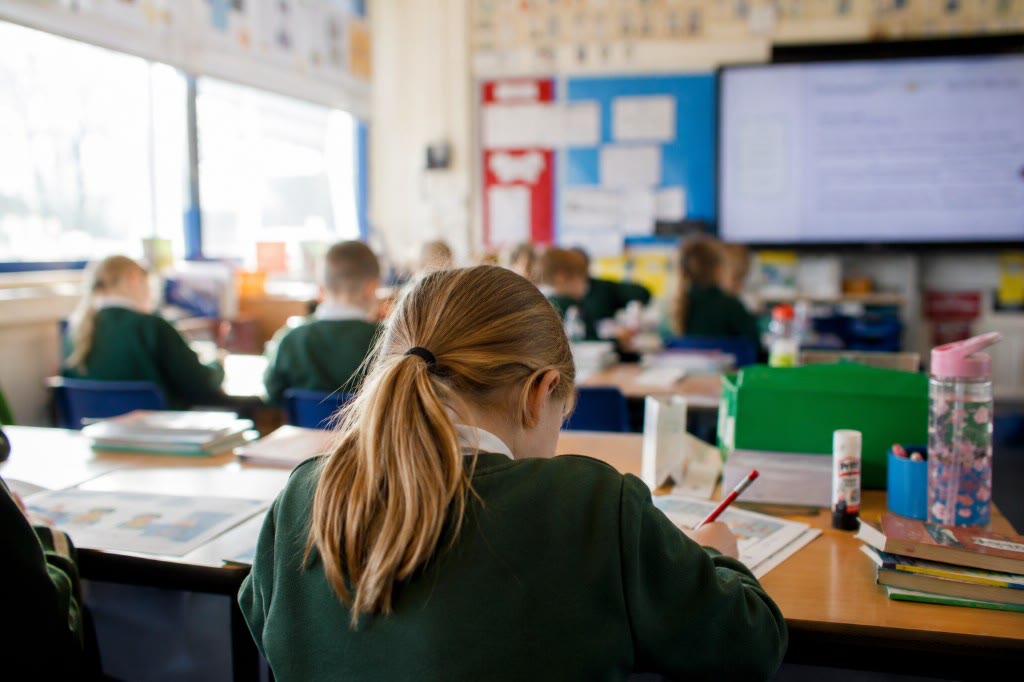
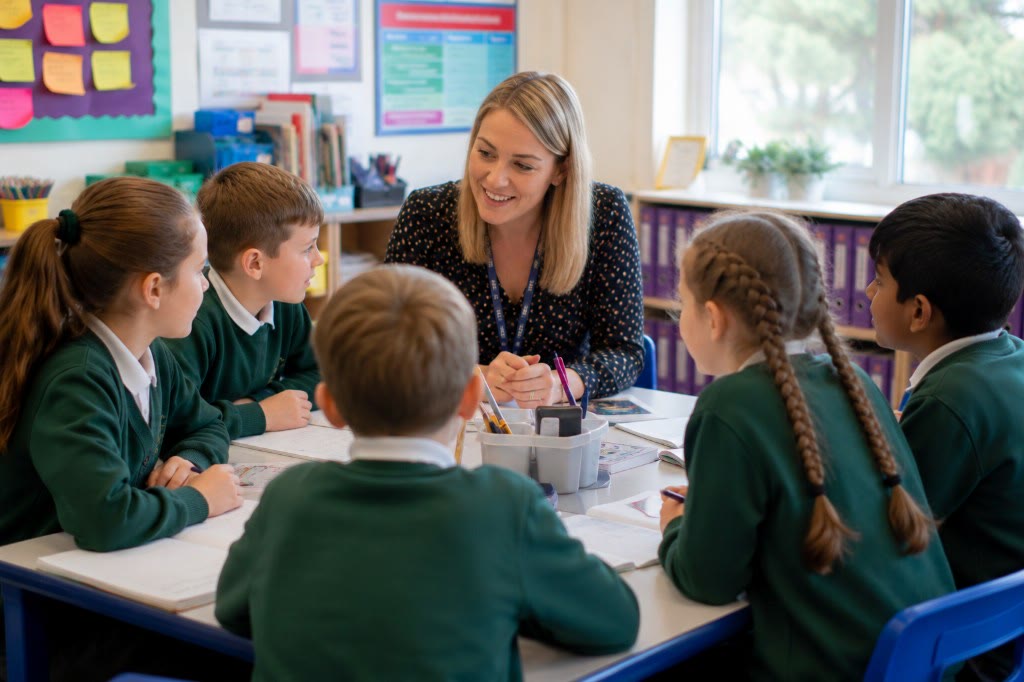
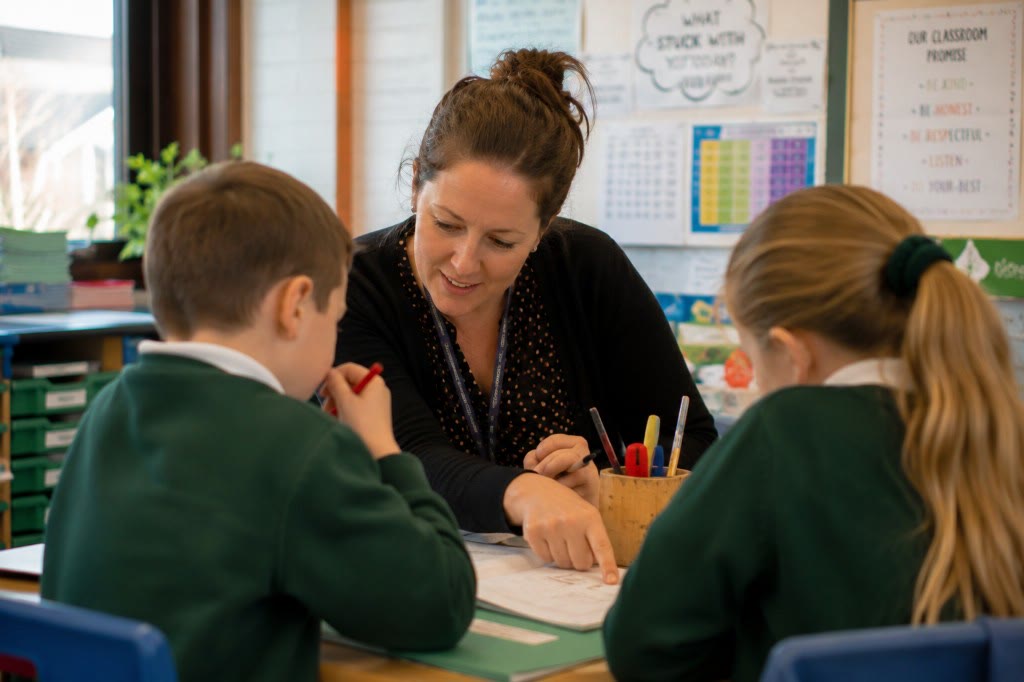
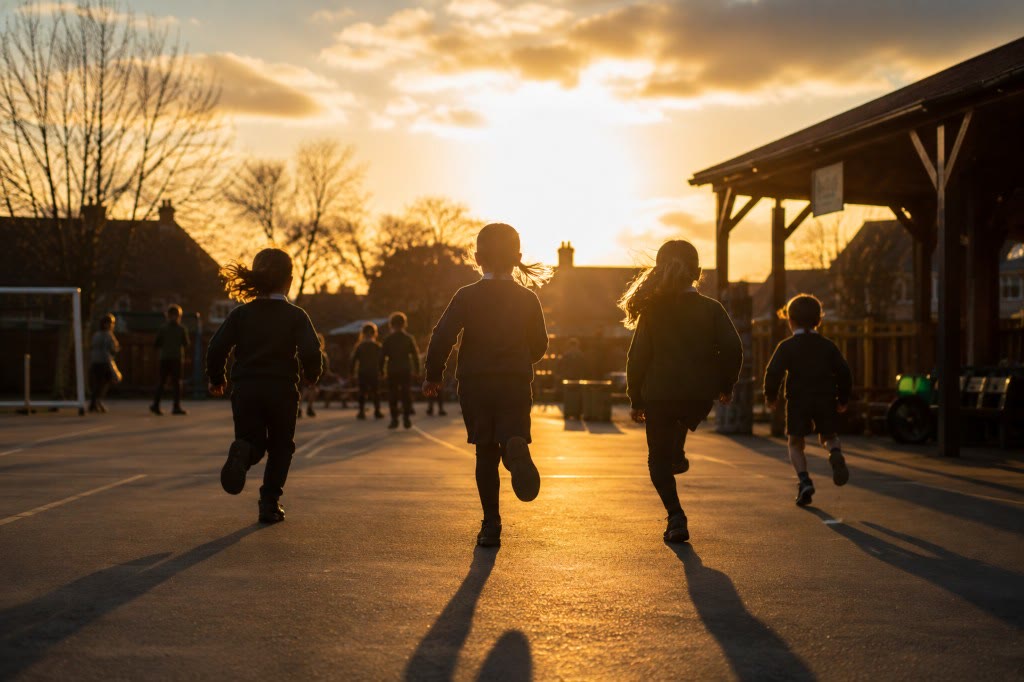
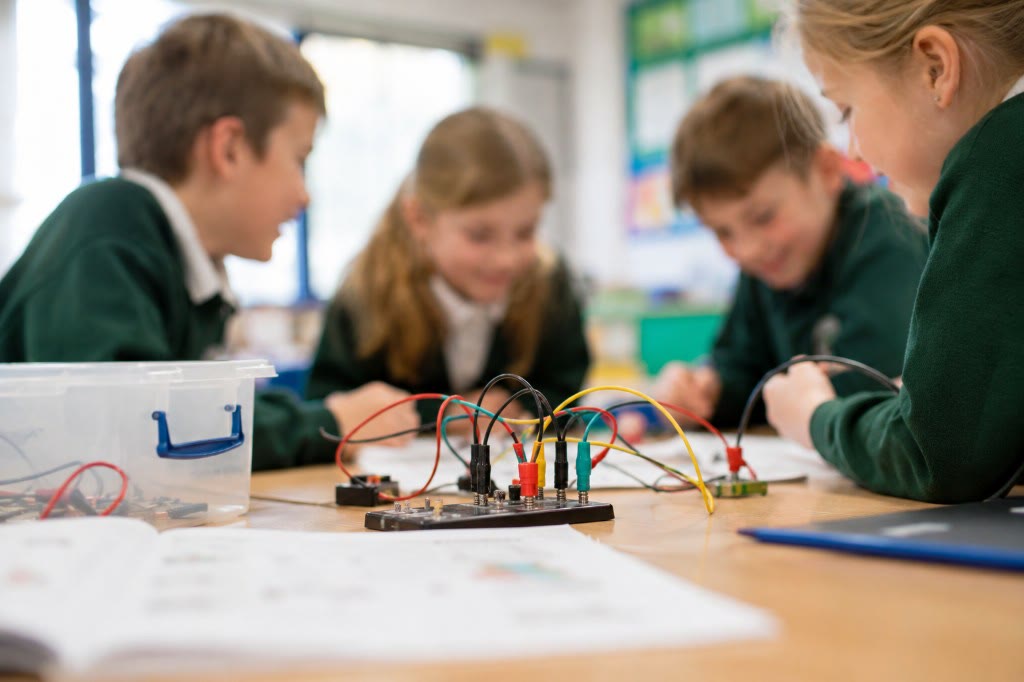
Olga Primary School
Olga's leadership team asked for a photoshoot without face-on pupil shots. The website still looks like a school you would choose.
View the Olga Primary website (opens in new tab)From first call to launch
Step 1: Free call
Thirty minutes with Gareth, the founder. We look at your current site and agree the plan.
Step 2: Image and content audit
We review what is online now and send you a written report.
Step 3: Shoot day
Half a day in school. We work from your consent list, photograph lessons and grounds, and film your homepage video.
Step 4: Design and build
We design and build the new site on SiteLive and move your content across.
Step 5: Statutory audit and staff training
DfE and Ofsted checks before launch, and one hour of training at your school.
Step 6: Launch
We switch the new site on, retire the old images, and stay on hand for questions.
Schools we have worked with
“Good communication, clear timelines, and checking for statutory info was reassuring. The instant feedback and changes when we contact the firm stood out, and we’re really pleased with the finished product.”
 Lisa Bradley Jones Head Teacher, Olga Primary School
“DBD Schools offer a level of maintenance service for all our websites that is just not available anywhere else. They always handle our requests incredibly quickly and it’s done with a knowledgeable eye so that our updates always look clean and professional.”
 Chris Bloor Trust Marketing Manager, University Schools Trust
Trusted by 40+ UK schools since 2011.
Your data is safe with us.


Every layer of protection, and its limits
No website can stop a determined person copying an image. A screenshot gets past every technical barrier, ours included. So the real protection is in what the photographs show. The other measures add friction, reduce what is public, and give you a record of what you did and why.
What the guidance asks, and what we do
| The guidance asks schools to | In this package |
|---|---|
| The guidance asks schools to Ask whether pupils' faces are needed at all | In this package A site designed to work without them, as Olga Primary's does |
| The guidance asks schools to Use images that are harder to misuse: from a distance, from behind, over the shoulder | In this package Half a day of photography shot exactly this way |
| The guidance asks schools to Avoid names with images | In this package Names and pupil photos kept apart across the site |
| The guidance asks schools to Strip metadata before publishing | In this package Location, device and time data removed from every image we deliver |
| The guidance asks schools to Limit public visibility | In this package Password-protected pages for parent-only galleries |
| The guidance asks schools to Audit what is already online, and document it | In this package A full image and content audit with a written report |
| The guidance asks schools to Train staff | In this package One hour of training, in person, at your school |
Based on "Protecting your setting's images from AI manipulation and abuse" (UK Safer Internet Centre, 2026). Read the guidance (opens in new tab)
The full list
How we photograph and film5 measures. Activity-led, group, side-on and from-behind shots. No lone, face-on portraits.
The seven rules
- Focus on the activity, not the children.
- Take group shots, never single shots.
- Limit how often the same child appears. (Our working limit is 15 times across a website.)
- Limit face-on shots. Use side and over-the-shoulder angles.
- Remove old photographs. Consent is not always perpetual.
- Strip the metadata from every image.
- Do not link names to photos.
No number of photos is a safe number. Some tools work from a single clear image, which is why angle and framing matter more than counting.
Activity-led shots
Included in the packageWhat it does The subject is the experiment, the race or the rehearsal, not a child.
Limit: A recognisable child can still be in frame.
Group shots, never single shots
Included in the packageWhat it does No lone, isolated child as a clean subject.
Limit: Group photos can still be manipulated. Groups reduce how useful an image is, they do not remove it.
Side, over-the-shoulder, from-behind and distance angles
Included in the packageWhat it does Fewer clear, front-facing faces, which are the most useful input for misuse. Face-on shots are limited.
Limit: A profile or partial face can still identify a child to people who know them.
We limit how often one child appears
Included in the packageWhat it does Limits how much material of any one child is public.
Limit: This is not a safe threshold. Some image tools need only one clear photo, so angle and framing matter more than counting.
Enhanced DBS-checked staff on site
Included in the packageWhat it does Everyone we send is checked.
Limit: A check is a point-in-time record.
How we prepare images before they go online2 measures. Location and device data removed, web-sized files, activity-only alt text.
Metadata stripped from every image we deliver
Included in the packageWhat it does Removes location, device and time data that can reveal routines.
Limit: Does nothing about what the picture shows.
Alt text describes the activity, never names a pupil
Included in the packageWhat it does Keeps the site accessible without attaching identity to an image. Applied to every image we add.
Limit: For images added later, this relies on staff following the rule.
Website and CMS controls4 measures. Who can publish, what is public, and what we do to make casual copying harder.
User roles and permissions
Built into our CMS and hostingWhat it does Only named staff can publish.
Limit: Relies on the school keeping the user list current.
Password-protected pages and protected documents
Built into our CMS and hostingWhat it does Class galleries and event photos can sit behind a login for parents rather than on the open web.
Limit: A logged-in parent can still save or share an image.
Governor area
Built into our CMS and hostingWhat it does Audit reports and the image policy can be shared privately with governors.
Limit: None significant.
Secure hosting and checked suppliers
Built into our CMS and hostingWhat it does Cyber Essentials Plus, external audits, Police CyberAlarm, annual staff cyber and GDPR training and ICO registration. The site and image library are held by a checked supplier.
Limit: Protects against break-ins, not against copying of public images.
Checking what is already online3 measures. A documented audit of your existing site, before anything new goes up.
Content audit of your existing site, including images
Included in the packageWhat it does We review every page, gallery, news post, newsletter and document, and write up what we find.
Limit: Finds what is on the school's own site. It cannot find copies already saved elsewhere.
DfE and Ofsted statutory content audit
Included in the packageWhat it does The compliance job the school already owes, done at the same time.
Limit: It is a content check, not legal advice.
Accessibility audit and statement template
Included in the packageWhat it does Confirms the protection measures have not harmed accessibility. Available free of charge on completion.
Limit: A report records a moment in time.
People: training, policy and consent3 measures. The people who post images know the rules, and know where to find the official templates.
One hour of in-person staff training
Included in the packageWhat it does Covers the seven rules, uploading safely and social media, so the people who post images know the rules.
Limit: One session, and staff change.
Image policy and consent wording pointers
Our advice to youWhat it does We point your safeguarding lead to the official policy templates and guidance, with notes on what to add: AI risk, annual re-consent, pupils' own consent and withdrawal.
Limit: We are not lawyers or your data protection officer. We signpost; the school and its DPO decide.
Free webinar recording for staff who missed training
Included in the packageWhat it does "7 rules that protect your pupils from AI deepfakes", 45 minutes, with safeguarding adviser Rob Cooper.
Limit: General guidance, not tailored to your school.
If something goes wrong1 measure. The official steps and reporting routes, and fast takedown from your site.
Reporting routes listed
Our advice to youWhat it does Police, Report Remove (Childline and IWF), Take It Down, StopNCII, CEOP, the IWF and the Professionals Online Safety Helpline.
Limit: These are other organisations' services.
If images of your pupils are misused, the guidance says: do not delete or share the material; take the original images out of public view; tell your designated safeguarding lead; do not reply to or pay anyone making demands; report it to the police (call 999 if a child is at immediate risk). Under-18s can use Report Remove (opens in new tab) from Childline and the IWF. Staff and over-18s can use StopNCII (opens in new tab). Professionals can call the Professionals Online Safety Helpline (opens in new tab) on 0344 381 4772. The CEOP Safety Centre (opens in new tab) is also available.
We are a website company, not a safeguarding service: these organisations lead, and we act fast on anything you ask us to take down.
We will never tell you this makes your pupils safe. No website can promise that. It makes your school's images much harder to misuse, and it gives you a record of the care you took.
Not ready for a call? Start with a free AI image check
Send us your school's website address. We look at your homepage, up to ten further pages and your linked social accounts, check them against the seven photo rules, and send you a one-page result with the three most useful fixes. There is no charge and no obligation.
Results usually arrive within five working days. We run a limited number each week.
Don't see the form? to load it.
Your result lists page addresses, not copies of pupil images.
Watch the webinar: seven rules for safer pupil photos
Forty-five minutes with Gareth de Beer and safeguarding adviser Rob Cooper of Ardea Education. Why there is no need to rush and remove every photo, how big the risk really is, and the seven practical rules. Free, with no form to fill in.
Playing the video loads content from YouTube. See our privacy policy.
This webinar briefly mentions statistics about child abuse and child sexual abuse material.
Check your own site: the pupil image audit kit
A 30-point check of your website and social media that a DSL or office manager can finish in about 45 minutes. It follows the UK Safer Internet Centre guidance and ends with a one-page summary for governors.
- 30 checks across your website, documents and social media
- A one-page summary sheet for your governors
- What to do, and who to call, if something happens
Don't see the form? to load it.
We will email you the kit and three short follow-ups. Unsubscribe at any time.
Questions schools ask
Do we have to remove every pupil photo?
No. The guidance asks you to consider whether faces are needed and, if you publish images, to use ones that are harder to misuse. Many schools keep photography and change how it is taken. We help you decide what stays, with a written record of why.
Can any website stop images being misused?
No, and nobody can honestly promise that. A screenshot gets past any technical barrier. What this package does is change what your photographs show, reduce what is public, and make casual copying harder.
What do download and right-click deterrents actually do?
They stop the usual ways of saving an image. They do not stop a screenshot or a determined person with the right tools. We apply them to images only, so they do not get in the way of keyboard or screen-reader users.
Will the site still help us recruit pupils?
Yes. That is the point of the photography. Olga Primary's site has no face-on pupil shots and still looks like a school you would choose.
What happens to our old photos?
The audit finds them. Photos of leavers, named images and files with location data are flagged, and we remove or replace them before launch. You decide what stays.
Can you use AI-generated children instead?
We can, and for some schools it is the right choice. Most prefer real photographs of their real school, taken so that individual pupils cannot be picked out.
What about staff photos?
Staff can be targeted too. We will talk through options on the call, from first names only to illustrations in place of portraits.
What if something happens after launch?
Follow your safeguarding procedures and report it to the police. Do not reply to anyone making demands. If you need images taken down from your site, tell us and we will do it. The official reporting routes are listed in the safety measures section above.
Are you endorsed by the IWF, NSPCC or UK Safer Internet Centre?
No. We follow their published guidance and link to it so you can check our work against it.
Start with a call, a check or the checklist
Thirty minutes with Gareth, the founder. We will look at your school's site, answer your questions and tell you honestly whether this is the right fit.
Request a free AI image check
Talk to Gareth, our founder Your free call books straight into Gareth's diary